
Plaque placement
How to Attach a QR Code Plaque to a Headstone
Before attaching a MemorialPics fired porcelain QR plaque, get the cemetery's approval for the exact marker and method. Follow the supplied installation directions and any instructions from an approved installer; adhesives, stone finishes, weather, and cure times vary. After mounting, test the code with a phone from a normal viewing position and keep the plaque clean and legible.
By MemorialPics LLC · Updated October 5, 2026
Key takeaways
- Permission and stone suitability come first.
- Use the actual product and cemetery instructions for attachment.
- Test the code after installation and check it periodically.
Confirm the marker and installation rules
Ask the cemetery whether the plaque can be added to the existing marker, where it can go, and who may perform the work. Check with the marker owner or family representative too. If a monument company maintains a finish or warranty, ask whether the proposed method affects it.
Follow the instructions for your plaque
Use the directions included with the specific plaque and any required cemetery or installer procedure. Do not assume that one adhesive, cleaning product, temperature range, or cure time suits every stone. Keep the code away from engraved text, edges, and areas prone to standing water if the approved placement allows.
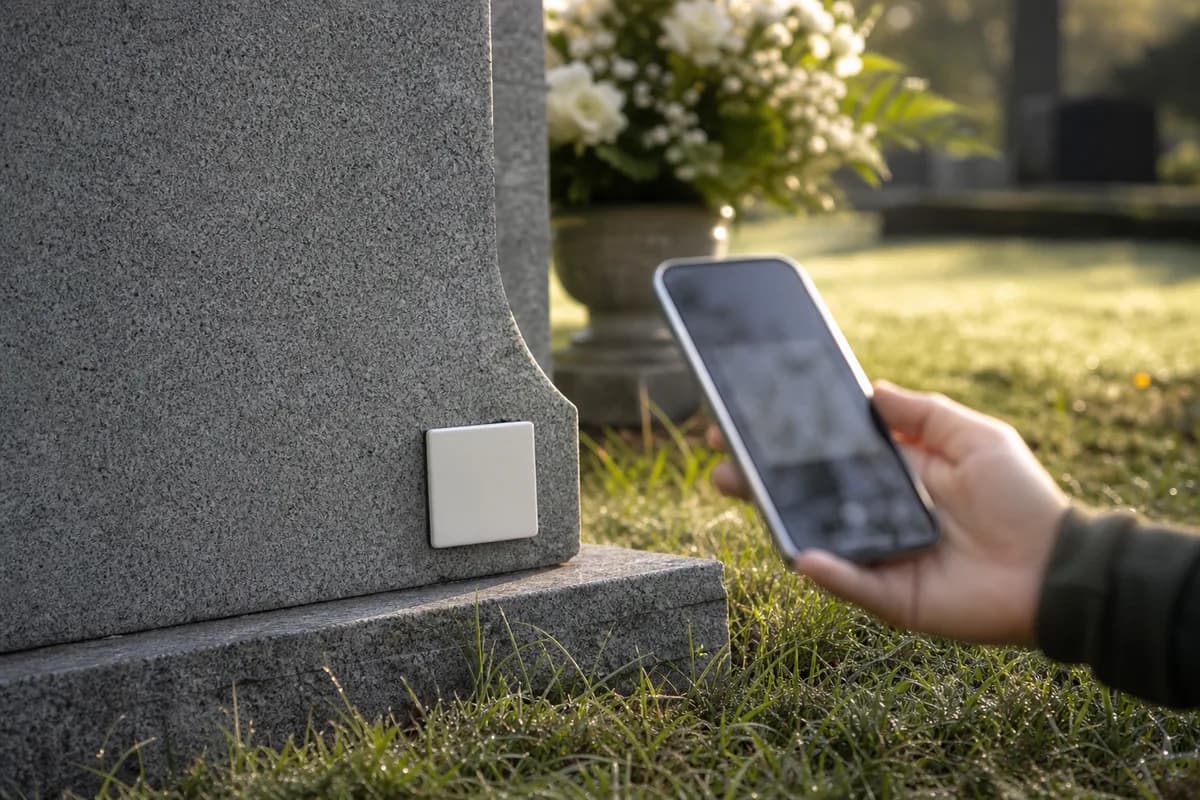
Before permanent mounting, hold the plaque in the proposed position and check that a phone can frame and read the code. Then follow the supplied preparation and application steps exactly.
Test and care for the installed code
After the required curing period, scan the plaque from a visitor's normal position. Confirm it opens the intended published memorial. Recheck periodically for dirt, damage, or changes to the page; use only the care method supplied for the plaque and stone.
Common questions
- Can I attach a QR plaque to granite?
- Ask the cemetery and follow the specific plaque's instructions for that granite finish. Approval and surface preparation vary.
- Which adhesive should I use?
- Use only the method specified for the plaque and approved for the marker by the cemetery or installer. This guide does not prescribe a universal adhesive.
- How long should the adhesive cure?
- Follow the supplied product instructions. Cure time depends on the mounting system and conditions.
- Where should the plaque go?
- Choose a cemetery-approved location that does not cover existing information and can be reached by a phone camera.
- Can a plaque be removed later?
- Ask the installer or monument professional before attempting removal; the result depends on the stone and mounting method.